
Introducing Draft Timetabling
Building a timetable takes time, and until now, keeping track of what’s live, what’s still in progress, and what’s safe to change wasn’t always easy. We’ve rolled out a set of updates to the Schedules section of the Management App to make the whole process clearer and safer.
Draft timetabling means franchisees can now plan ahead privately, building out weeks or terms in advance without anything showing up on the booking app or being visible to parents until it’s ready. Nothing goes live until you choose to publish it. Here’s what’s new:
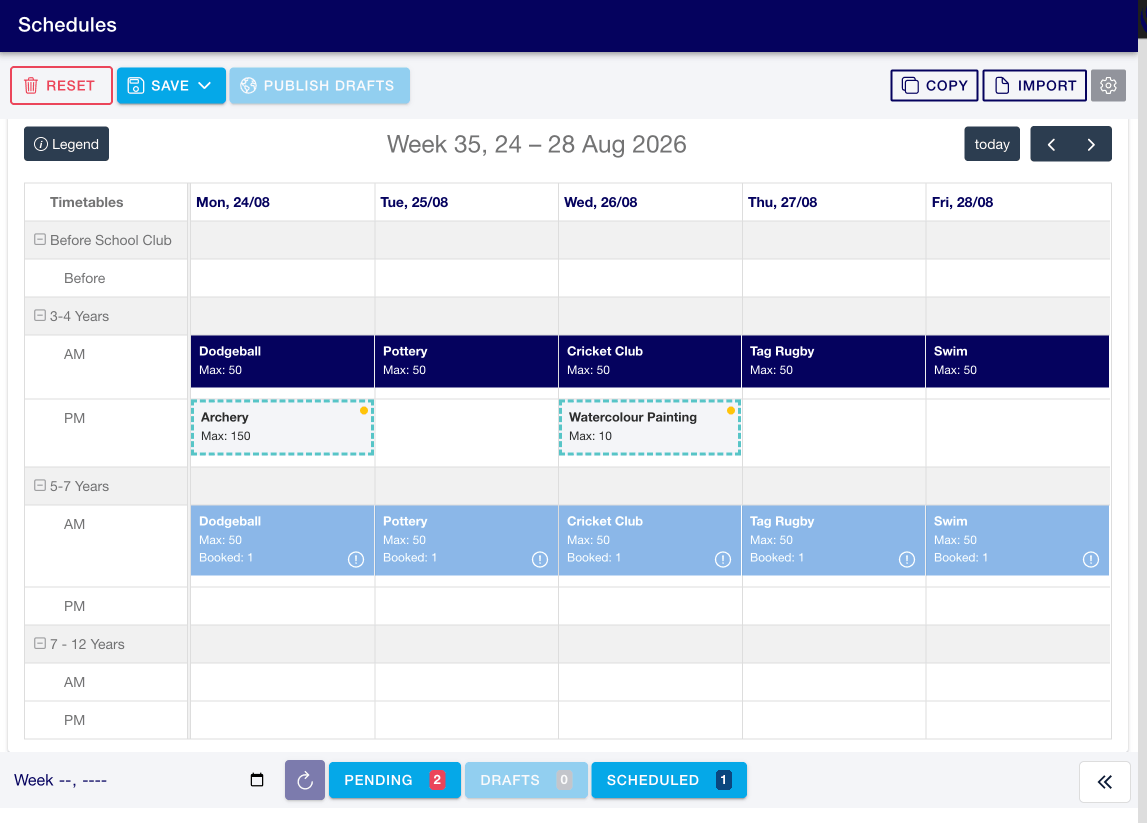
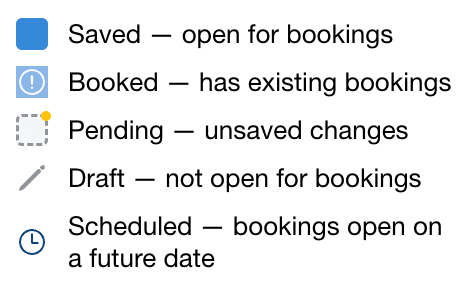
Save as you go with three ways to publish
Build your timetable as normal by dragging activities into the required time slots. Once you’re ready, select Save from the top toolbar to see three options:
- Save: opens the timetable for bookings immediately
- Schedule: opens the timetable for bookings on a future date
- Save as Draft: saves the timetable without opening it for bookings
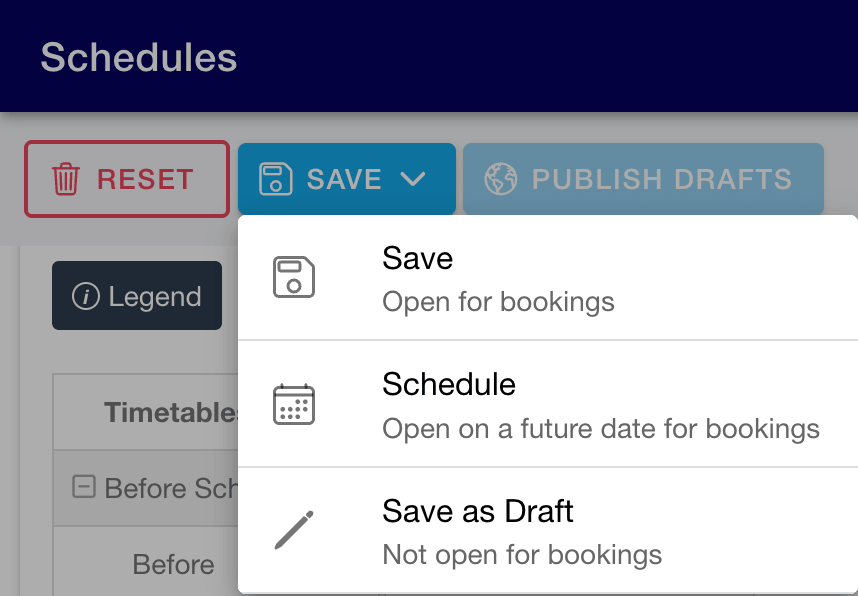
Draft sessions stay fully editable until you publish them. When you’re ready, select Publish Drafts from the top toolbar to make them live.
See everything at a glance with the Status Bar
The Status Bar sits at the bottom of the Timetable Builder and gives you a live summary of your timetable:

- Pending: unsaved changes
- Drafts: saved but not open for bookings
- Scheduled:live now, or set to open on a future date
Selecting any status opens the Event List.
Manage sessions in bulk with the Event List
The Event List shows every session within the status you’ve selected. From here you can:
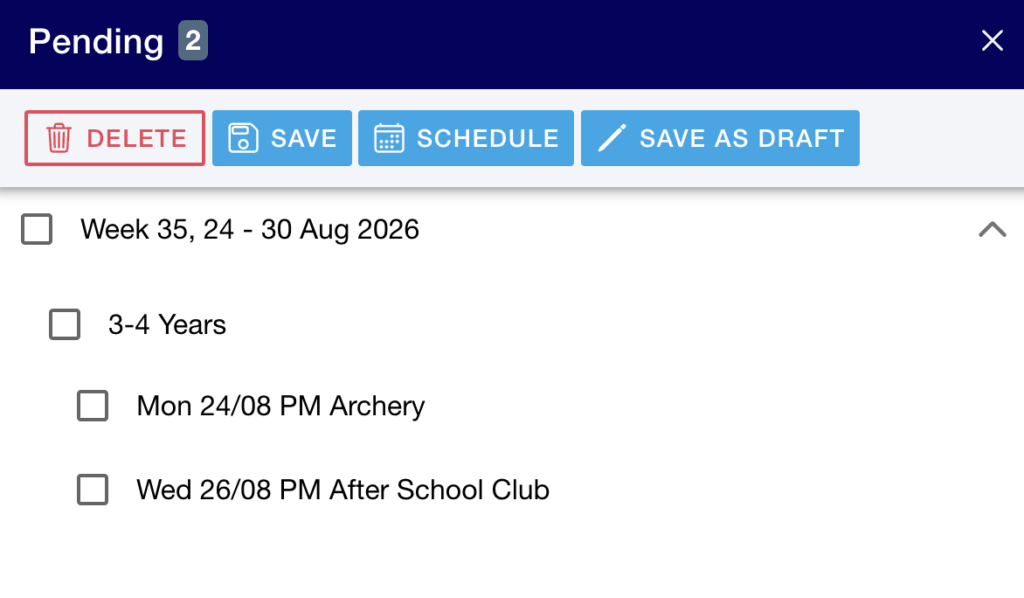
- View all Pending, Draft, or Scheduled sessions
- See scheduled publish dates and booking information
- Select individual sessions or entire weeks
- Publish sessions immediately
- Schedule sessions to go live on a future date
- Delete sessions
Protecting your bookings, automatically
To prevent accidental changes to live bookings, sessions with existing bookings cannot be moved into Draft or Scheduled.
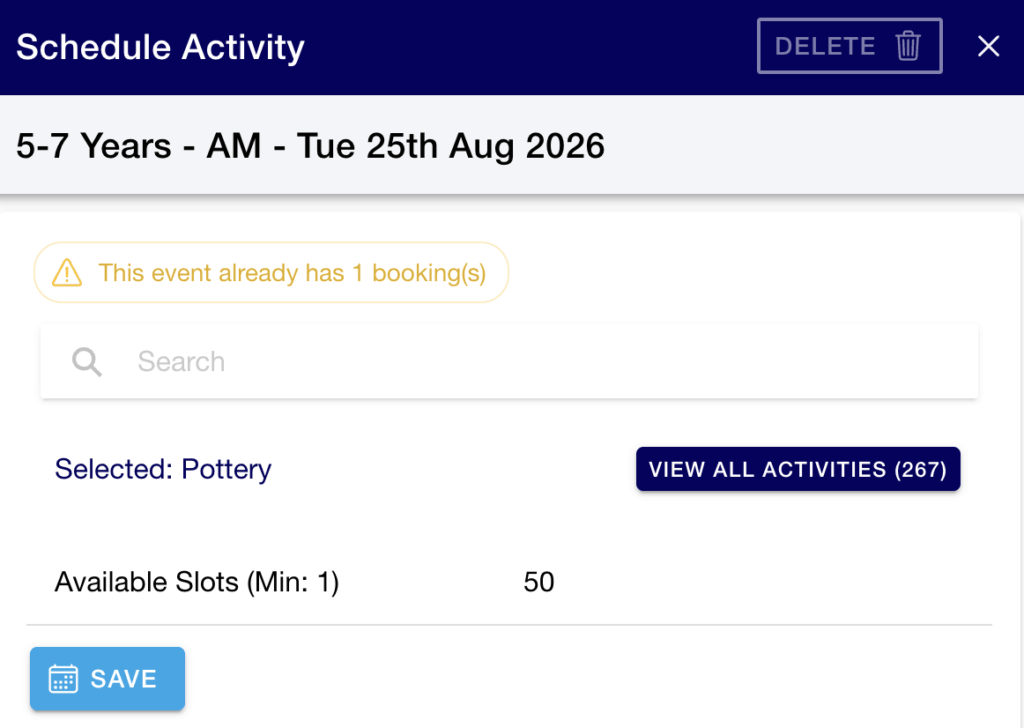
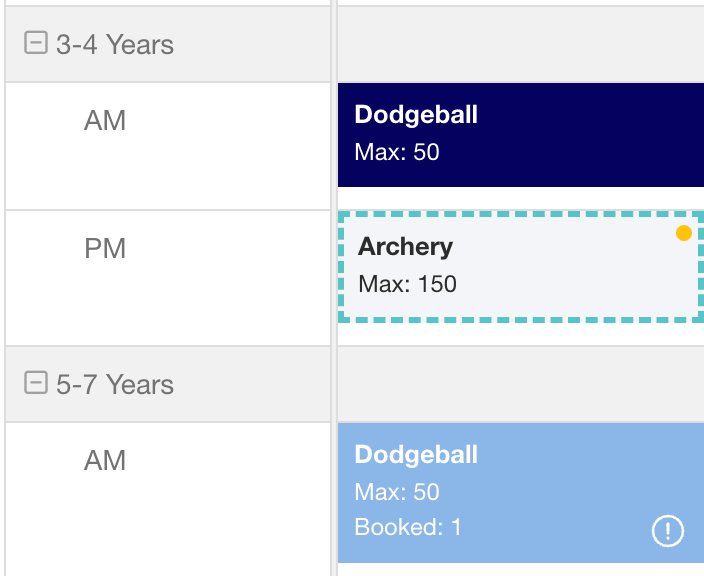
If a selected session already has bookings:
- The affected session is marked with a Spaces Filled label in the Event List
- Save as Draft and Schedule are disabled
- A warning icon explains why the action is unavailable
Want something like this for your booking app? Or interested in hearing more?
Get in touch with our team
To find out more about how we can help grow your e-commerce business, please get in touch and we will get back to you as soon as we can.